Recruiterflow Adaptive Workspaces: Build Your Profiles The Way You Want
Everyone on your team works differently — so why should everyone see the exact same candidate screen?
In this session, we walk through Adaptive Workspaces, a new way to customize your profiles to see exactly the information you need, without changing any underlying data.
This webinar covers:
Why one fixed CRM layout doesn’t work for every recruiter (and how it leads to clutter and messy workarounds like spreadsheets and custom fields)
How Adaptive Workspaces works — cards, a 3-column layout, and full drag-and-drop customization
The 3 levels of control: Standard View (admin-managed), Team View, and Personal View
Live walkthroughs of 3 real recruiter personas:
• Contingent recruiter — fast, multi-job visibility
• Contract recruiter — compliance, start/end dates, placement details
• Executive search consultant — deep candidate history and narrative context
How the same customization applies to Job and Deal profiles
Best practices for rolling Adaptive Workspaces out across your organization without creating chaos
Whether you’re a recruiting agency owner, a team lead, or an individual recruiter using Recruiterflow, this session will show you how to configure your CRM to match the way your team actually works — instead of forcing your team to adapt to the CRM.
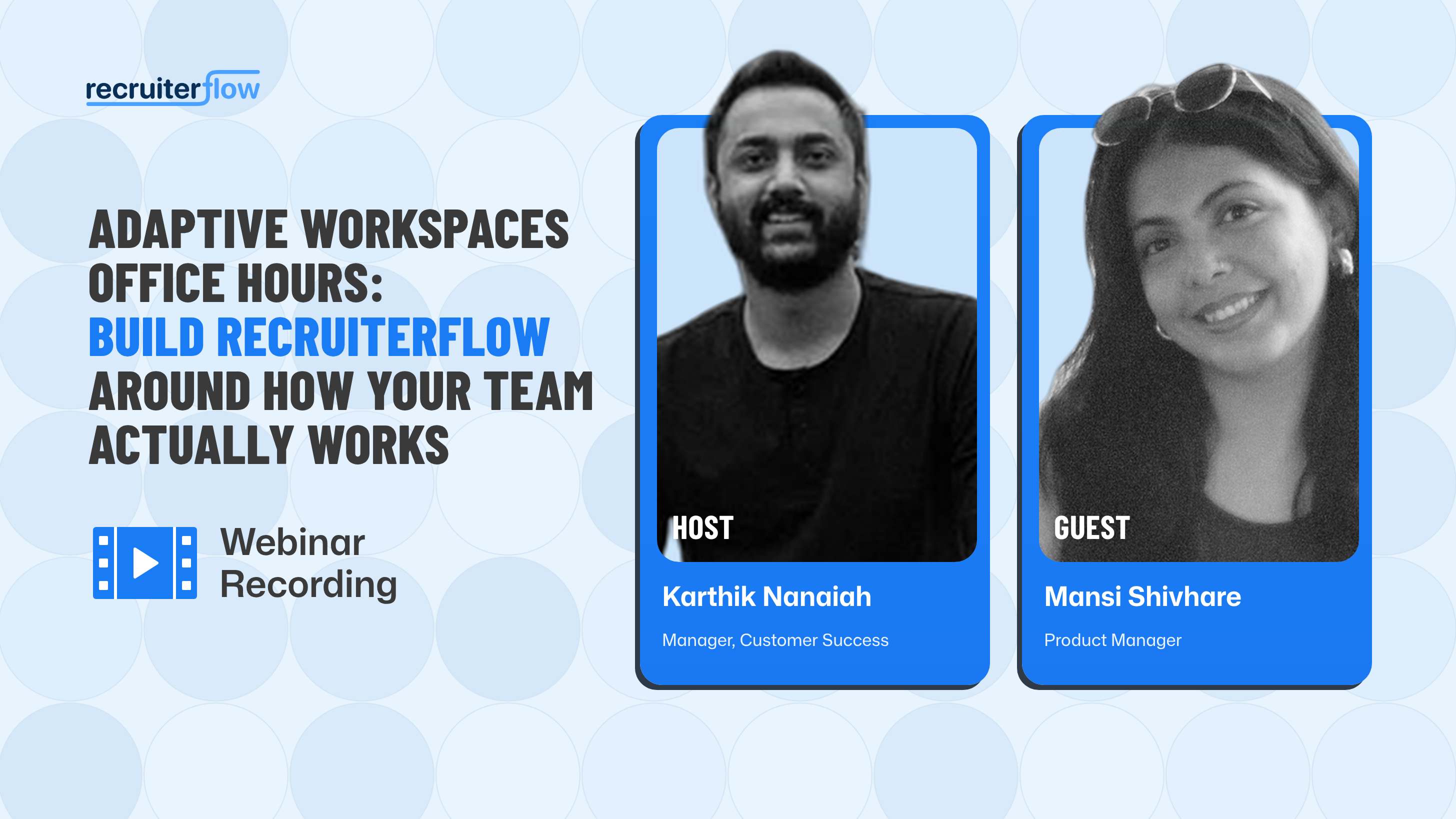
Speakers

